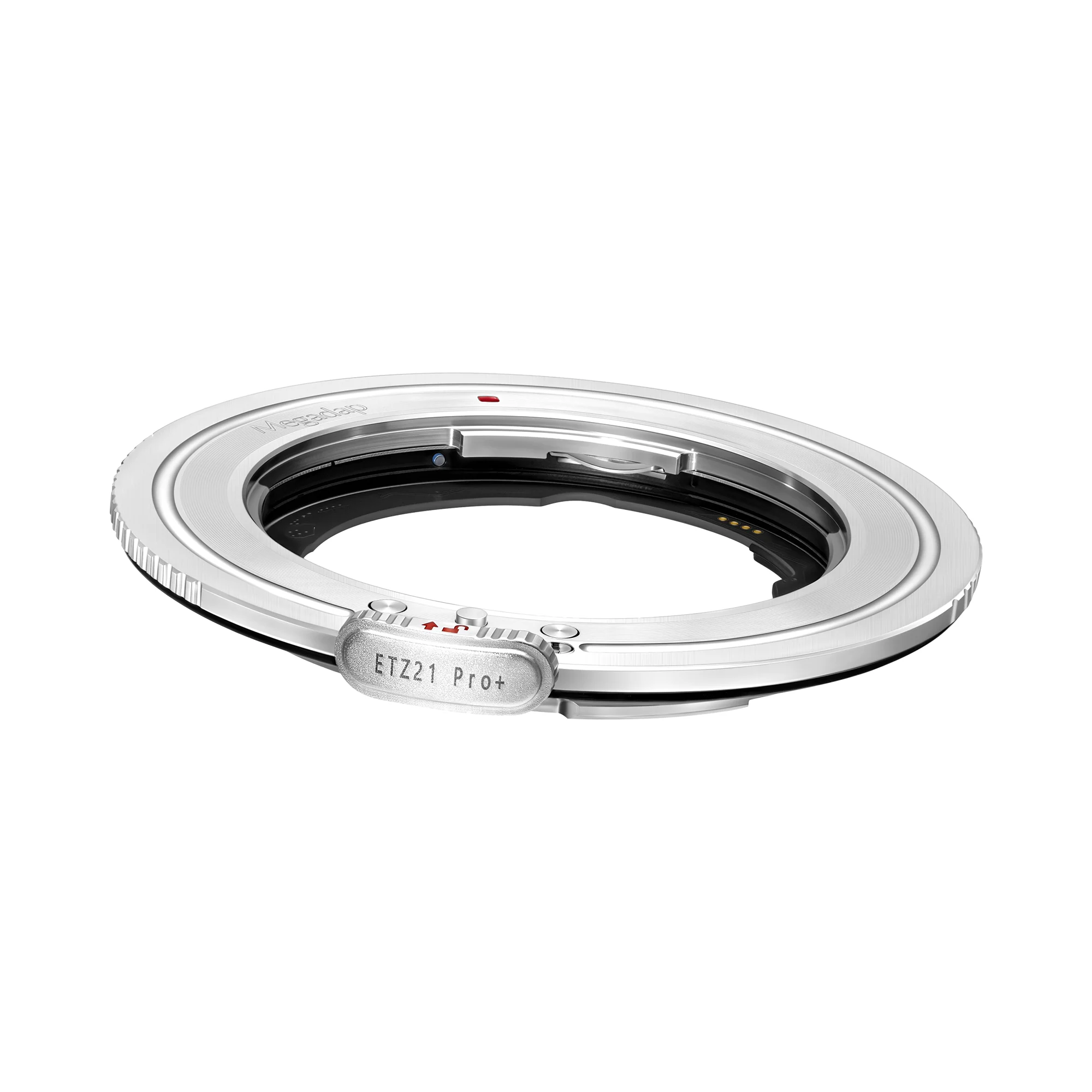
Megadap Sony E-Mount Lens to Nikon Z-Mount Camera Body Autofocus Adapter Pro+
Megadap Sony E to Nikon Z Autofocus Adapter Pro+
The Sony E to Nikon Z Autofocus Adapter Pro+ (ETZ21Pro+) builds upon the success of the previous 2 generations. The new adapter and firmware has a big mechanical upgrade over the previous model.
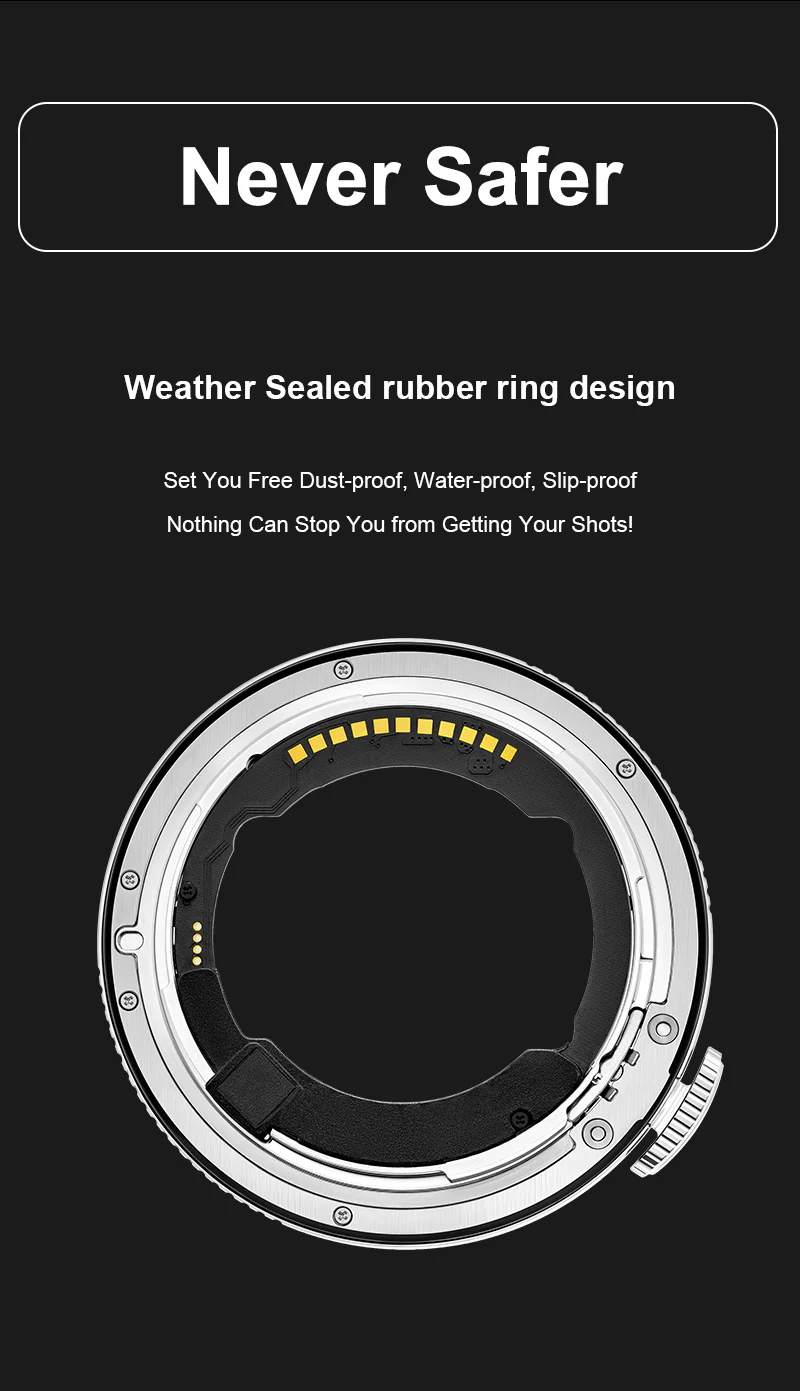
Weather Sealed rubber ring design
Set You Free Dust-proof, Water-proof, Slip-proof Nothing Can Stop You from Getting Your Shots!
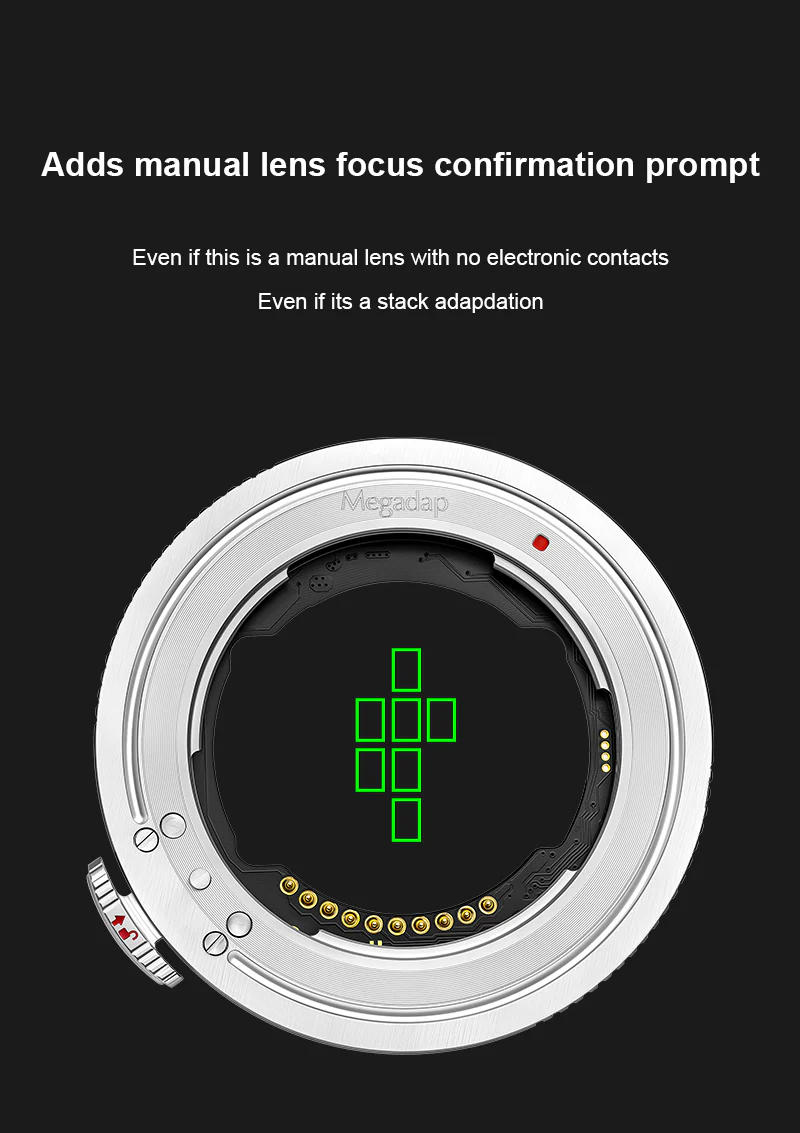
Adds manual lens focus confirmation prompt
Even if this is a manual lens with no electronic contacts Even if its a stack adapdation
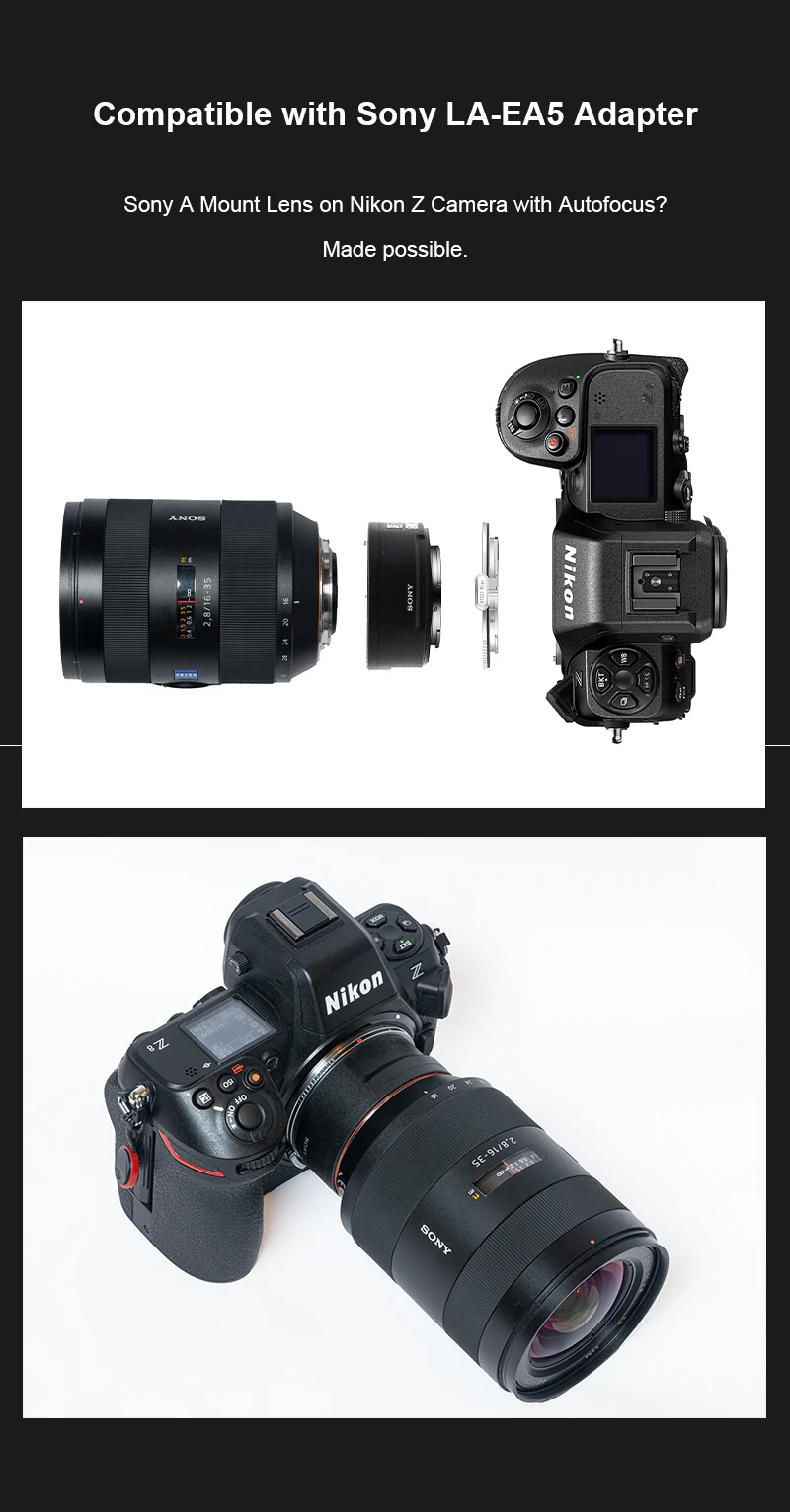
Compatible with Sony LA-EA5 Adapter
Sony A Mount Lens on Nikon Z Camera with Autofocus? Made possible.
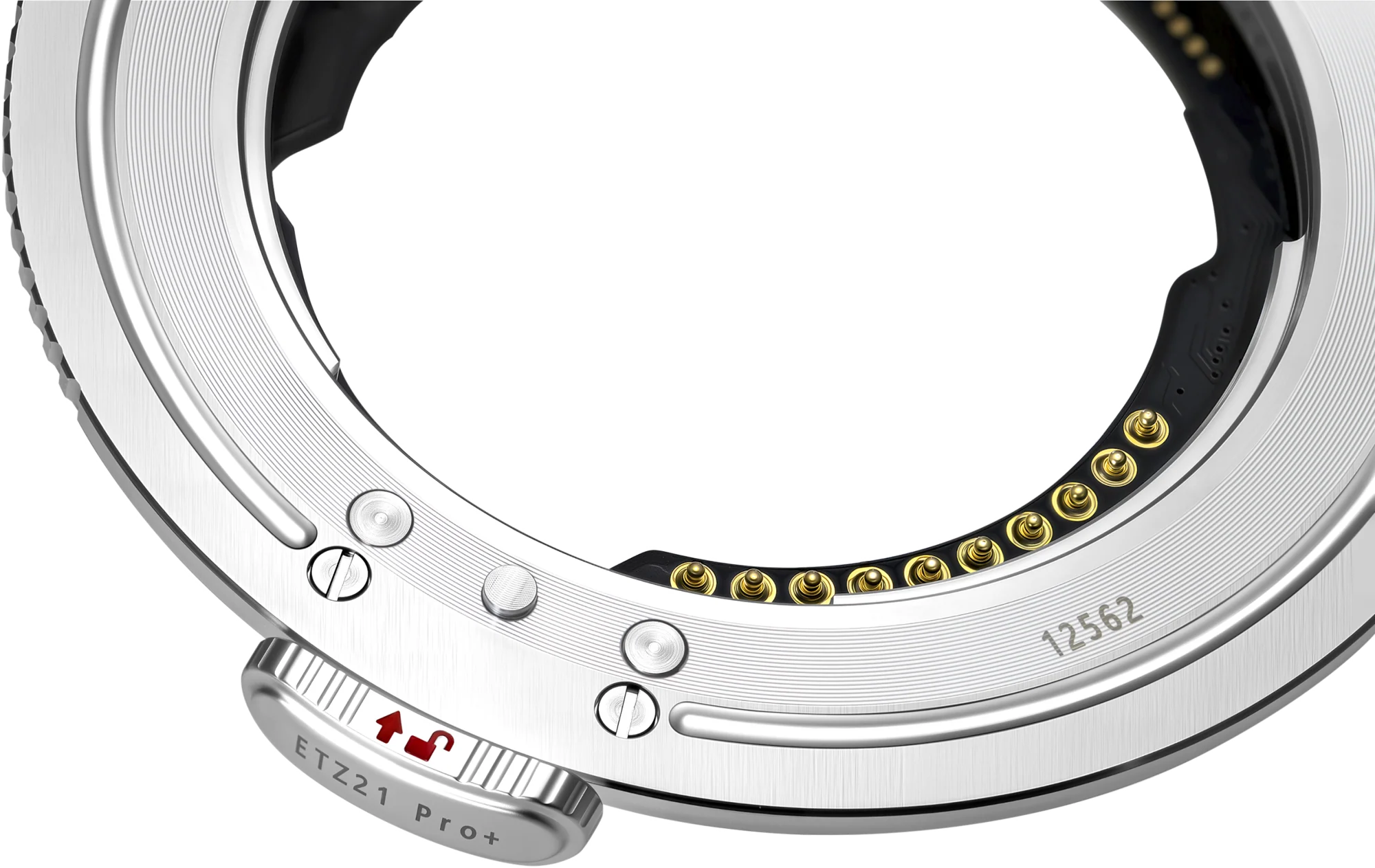
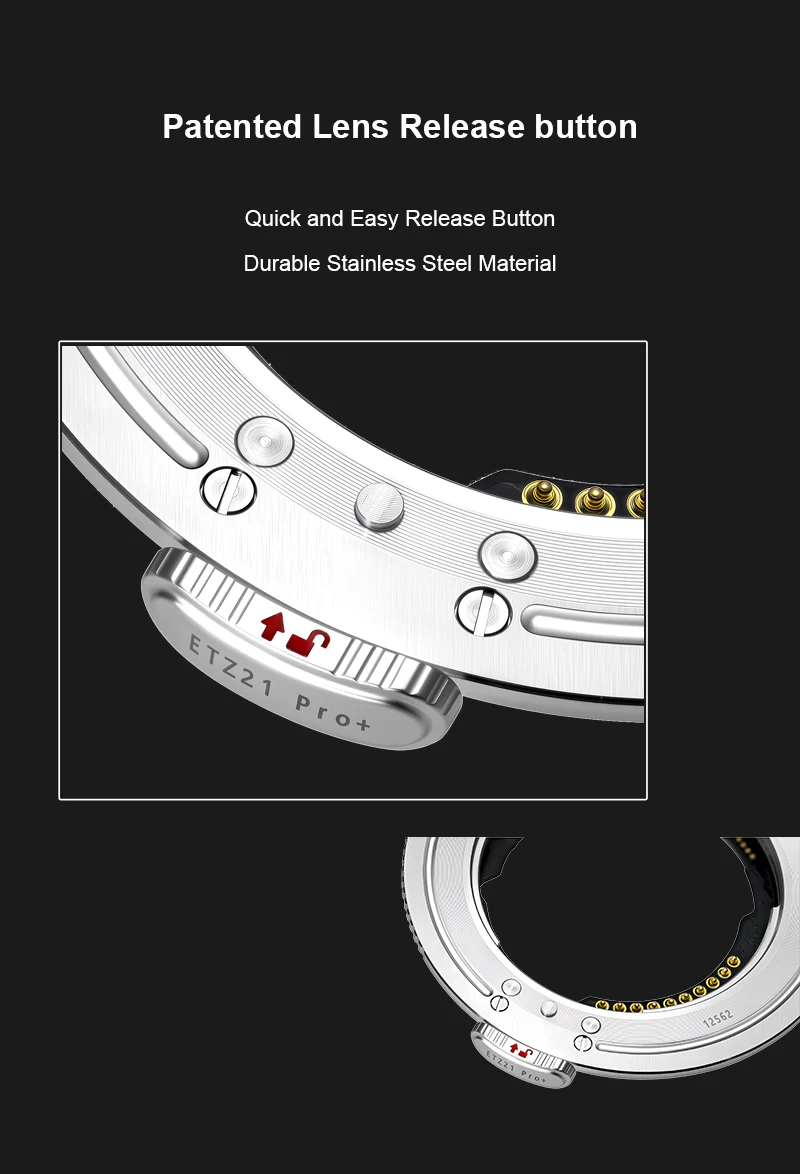
Patented Lens Release button
Quick and Easy Release Button Durable Stainless Steel Material
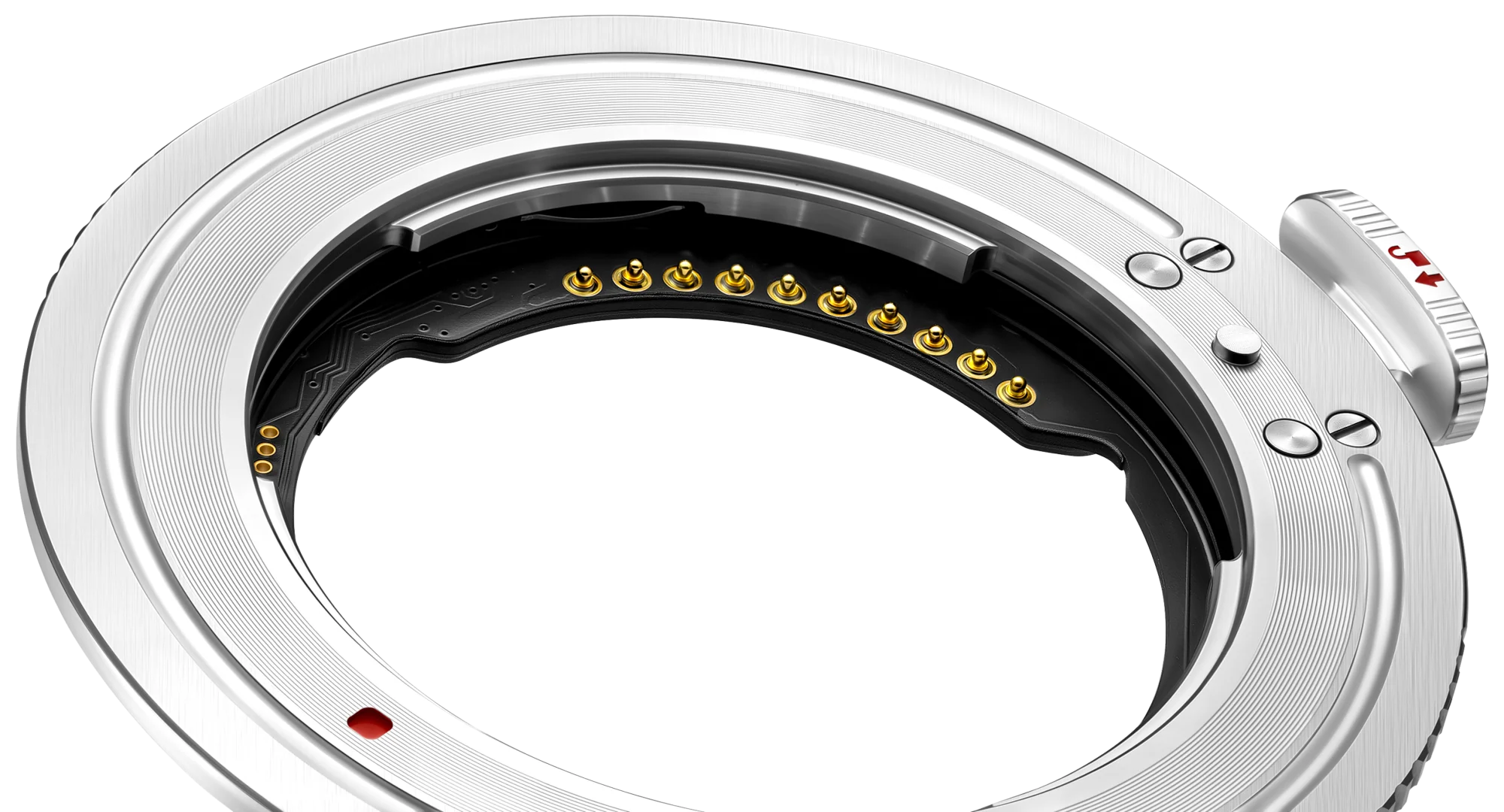
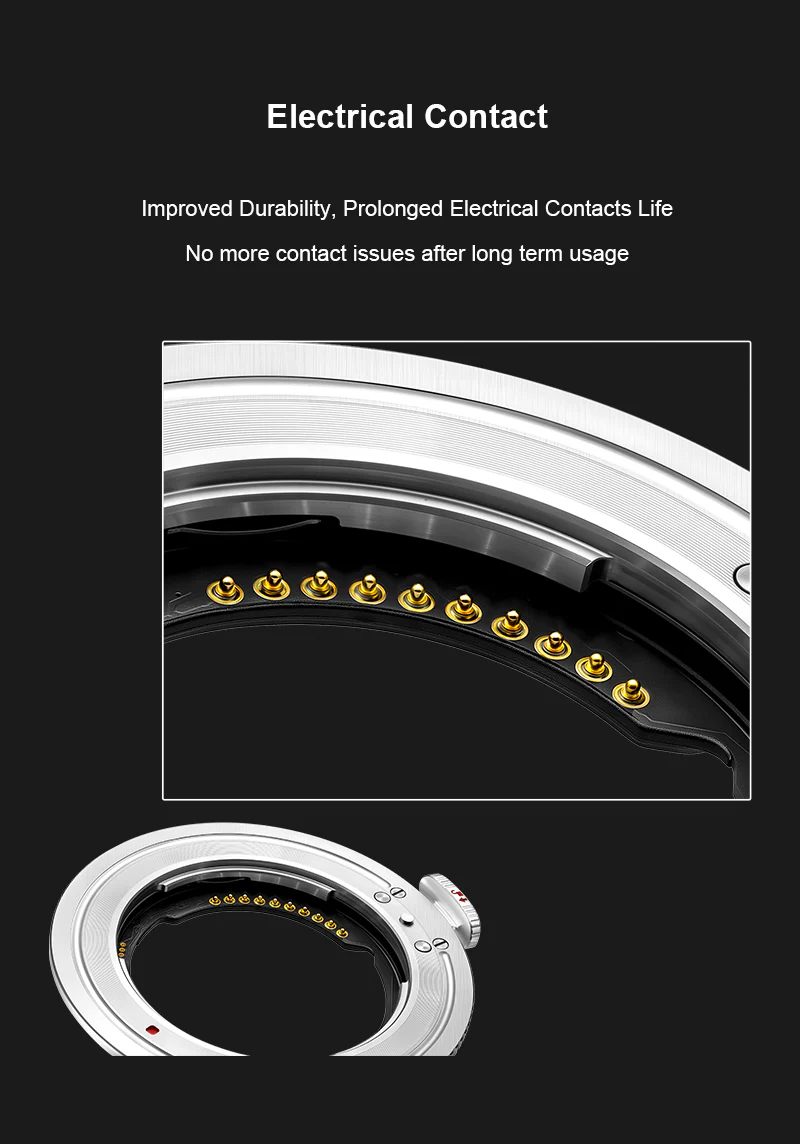
Electrical Contact
Improved Durability, Prolonged Electrical Contacts Life No more contact issues after long term usage
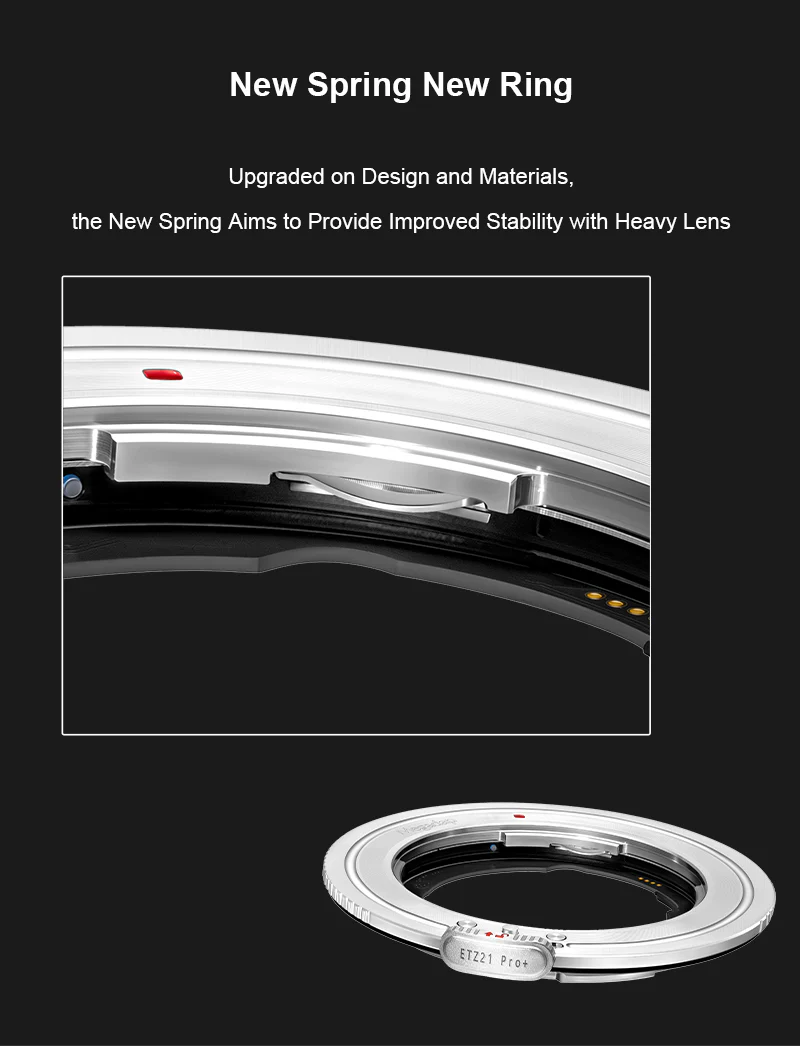
New Spring New Ring
Upgraded on Design and Materials, the New Spring Aims to Provide Improved Stability with Heavy Lens
Support Auto-Focus
Adapt Sony E Mount Lenses to Nikon Z Mirrorless Camera with Autofocus Function Retained
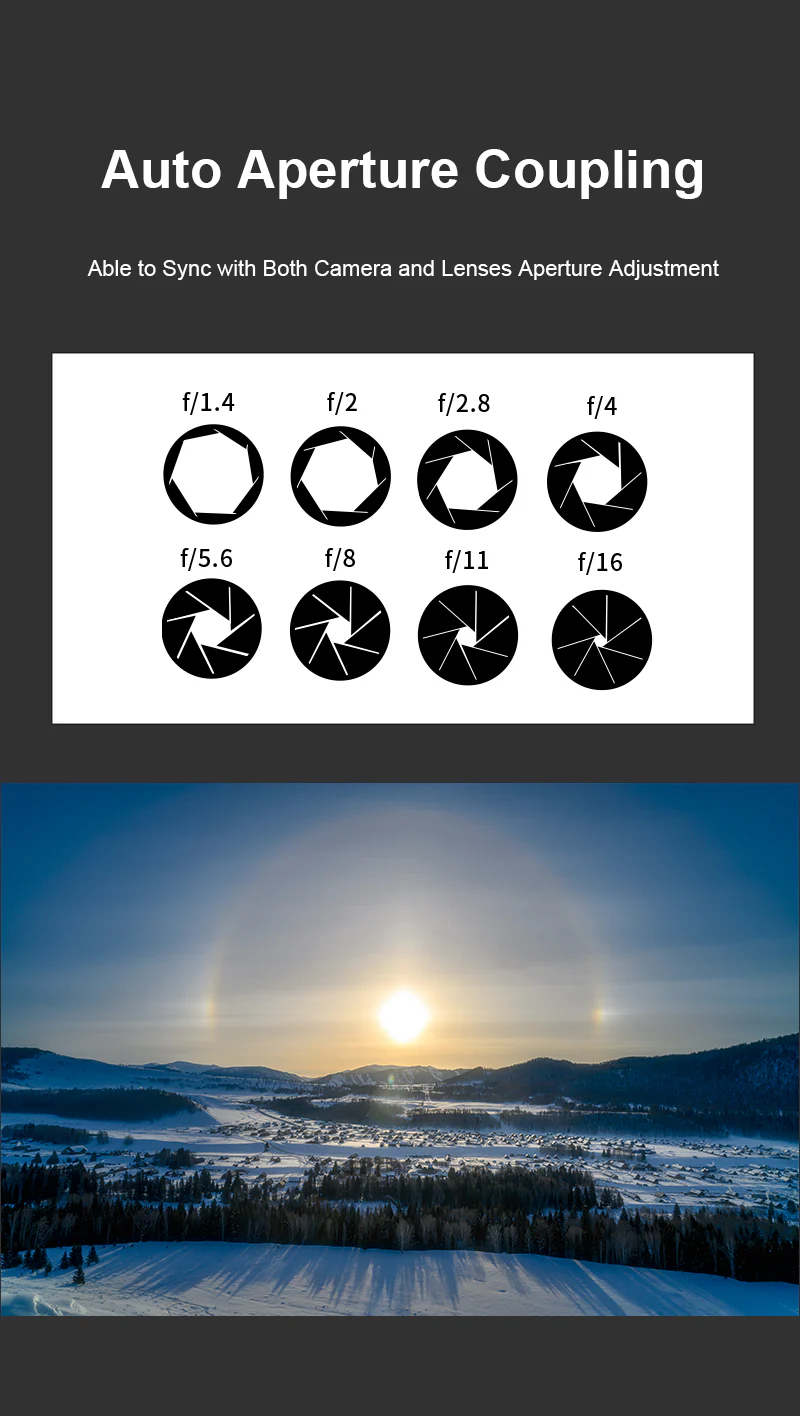
Auto Aperture Coupling
Able to Sync with Both Camera and Lenses Aperture Adjustment
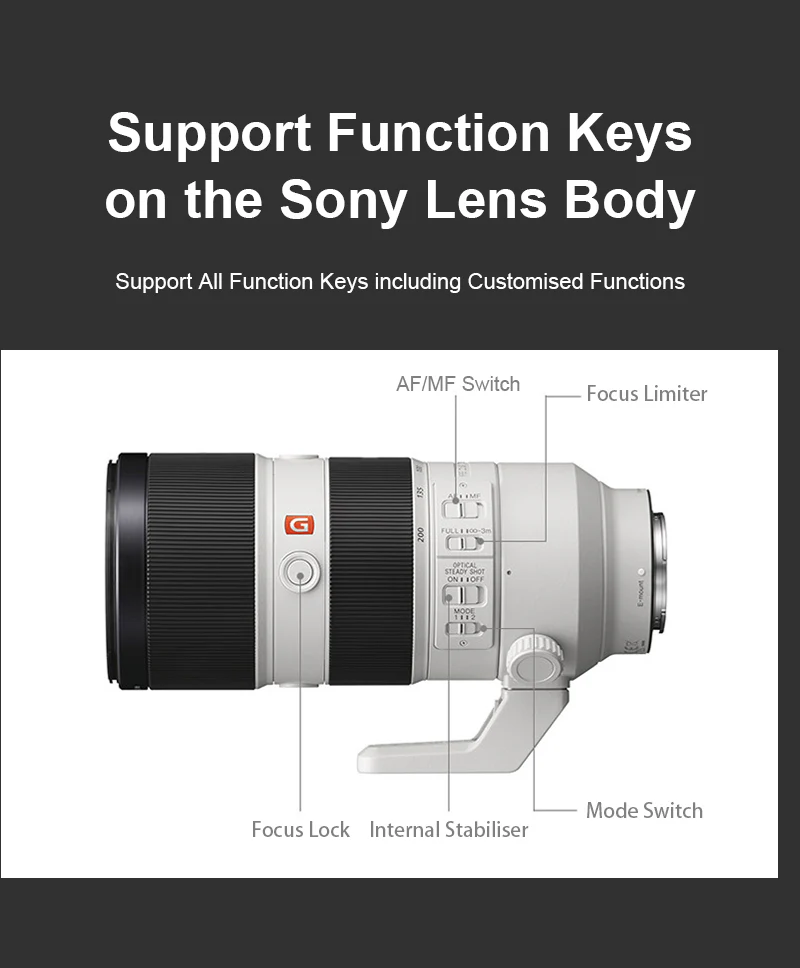
Support Function Keys on the Sony Lens Body
Support All Function Keys including Customized Functions
Features:
- Sony E-Mount Lens to Nikon Z-Mount Body
- Supports Electronic Communication
- Enables Autofocus and Auto Exposure
- Transfers EXIF Metadata to Camera
- Stainless Steel Mounting Ring
- Firmware Upgradable
- Supports Custom Button on Sony Lenses
- Weather-Sealed Design
Compatible With:
Mirrorless Cameras:
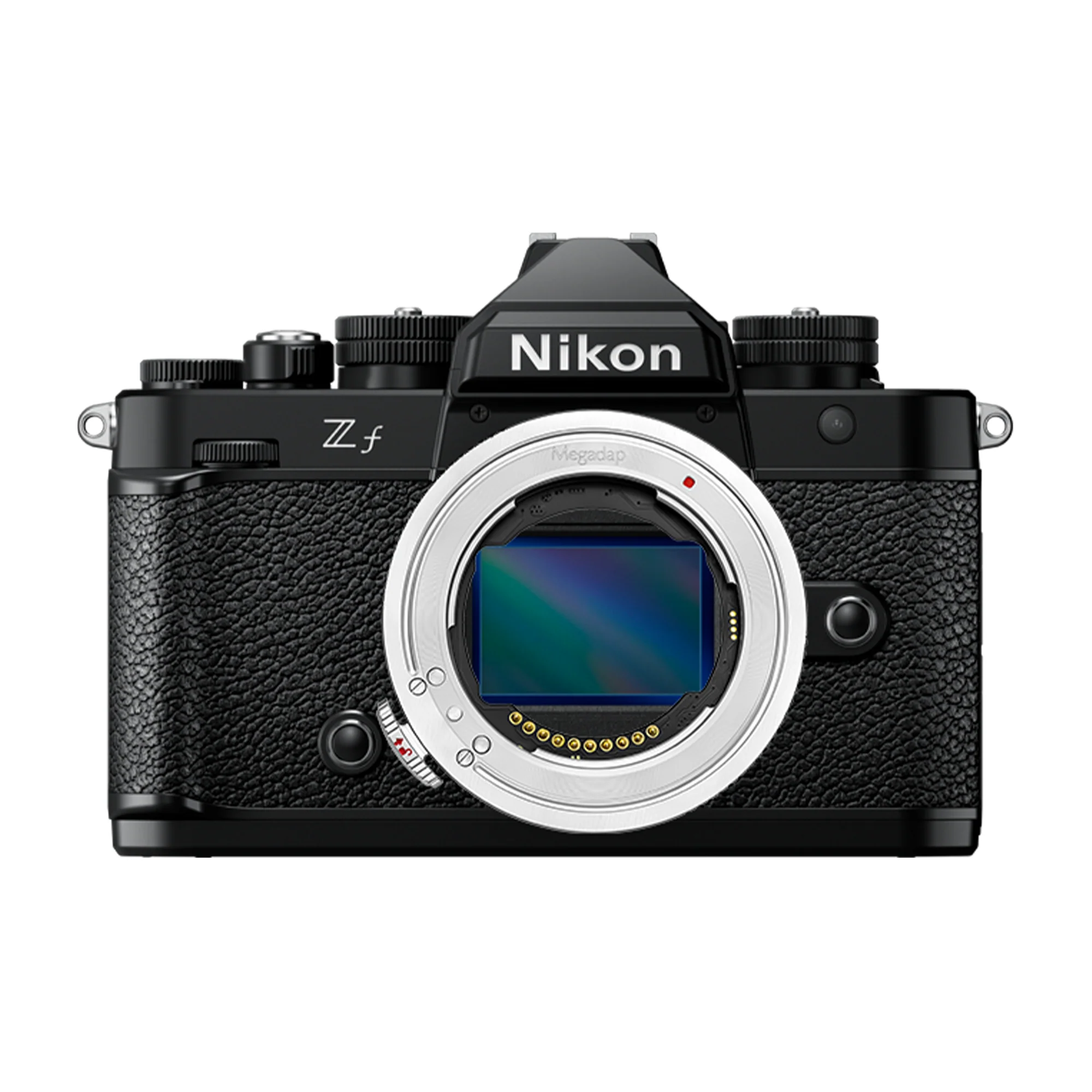
- Nikon Z-Mount Cameras
Lenses:
- Sony E Mount Lenses
Lens Adapters:
- Sony LA-EA5 Adapter
Dimensions:
2mm Thickness
Materials:
Ultra Sealed PCB (Printed Circuit Board)
Firmware Update Instructions:
Update Adapter Ring Firmware:
- Download the latest ETZ21 Pro+ firmware from the Magadap website.
- Unzip the downloaded ZIP file on your computer to get the .bin format firmware.
- Use a memory card slot or card reader to copy the bin format firmware to the root directory of the memory card in the camera.
*Note: Be sure to copy the firmware to the root directory of the memory card (If the new firmware is placed in a folder under the root directory, the camera will not recognize it.) - Insert the memory card into the camera, install the adapter ring and lens together to the camera, and then turn on the camera.
- Select [Setup menu] > [Firmware version] and follow the on-screen instructions to perform the firmware update. When the screen prompts that the update is complete, turn the camera off.
- Turn on the camera and confirm that the firmware has been updated to the new version.
View adapter ring firmware:
- Install the adapter ring and E-mount electronic lens onto the camera and turn on the camera.
- Press the MENU button on the camera and select [Settings Menu] > [Firmware Version] to display the firmware version of the camera and lens.
(*Note: The lens version here is the adapter firmware version)
Manufacturer SKU:
ETZ21PRO+
In The Box:
Megadap Sony E-Mount Lens to Nikon Z-Mount Camera Body Autofocus Adapter Pro+
Note: We are currently doing a running change of the rear cap of Megadap ETZ21 Pro+ (From Black cap to transparent cap).
Product Information
Product Information
Shipping & Returns
Shipping & Returns
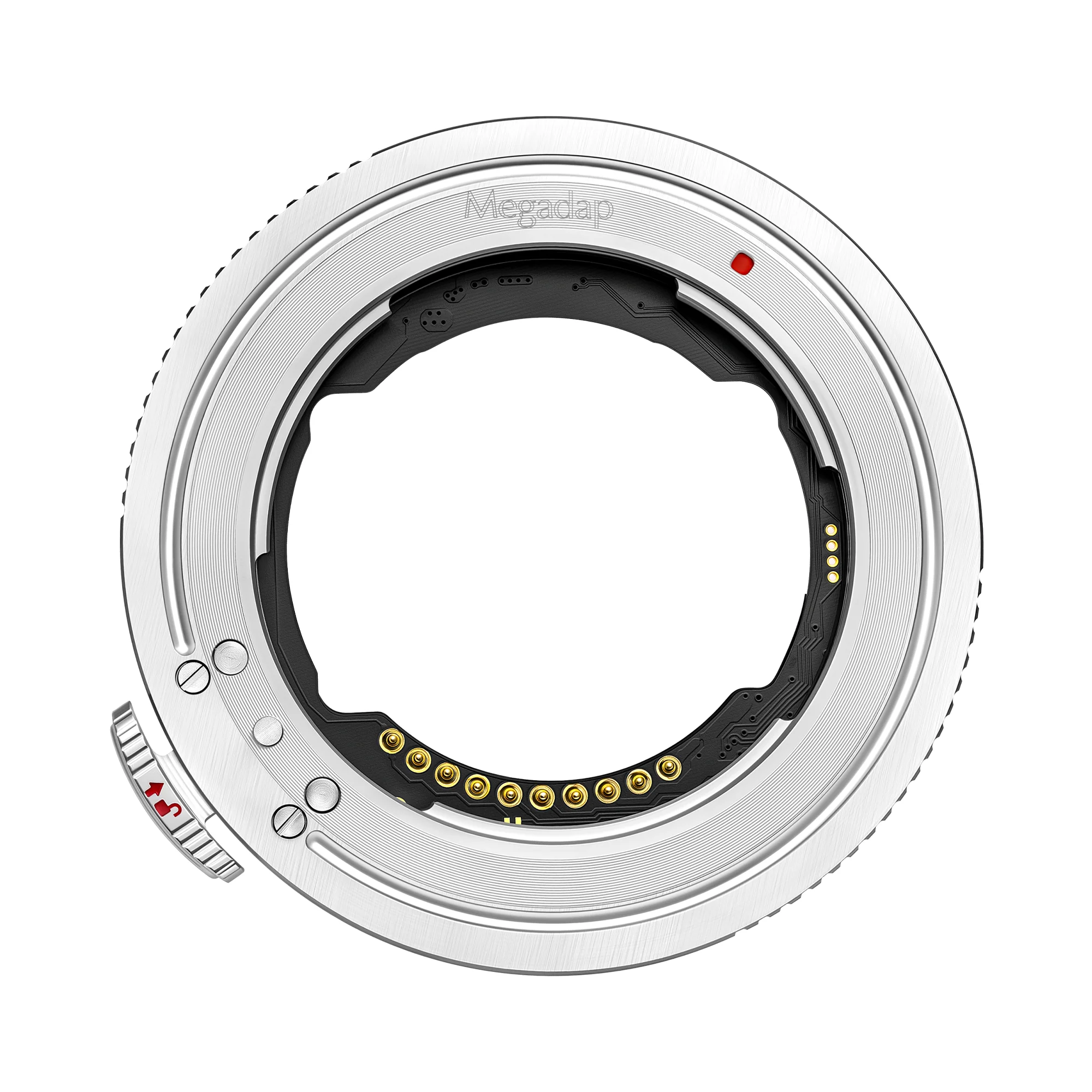
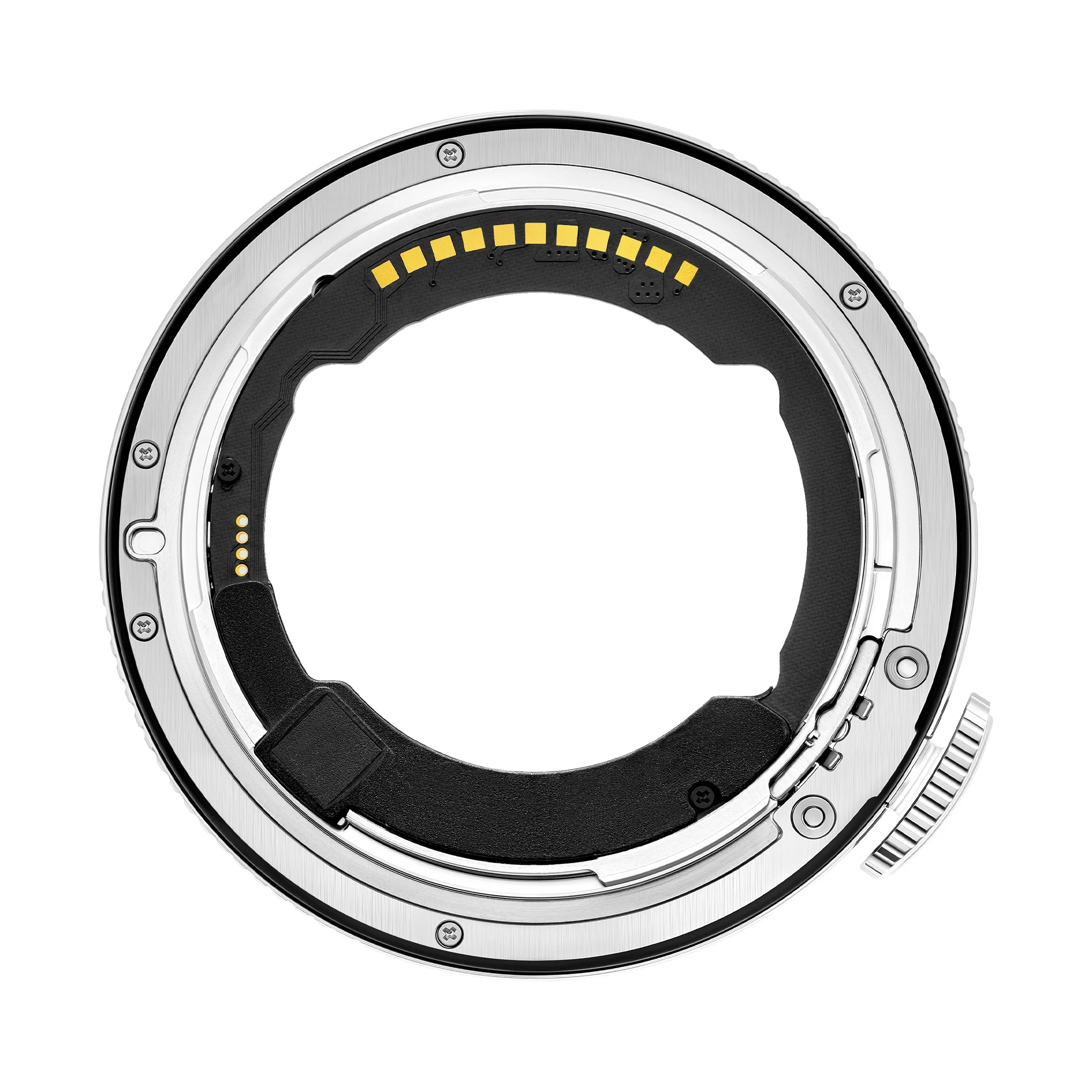
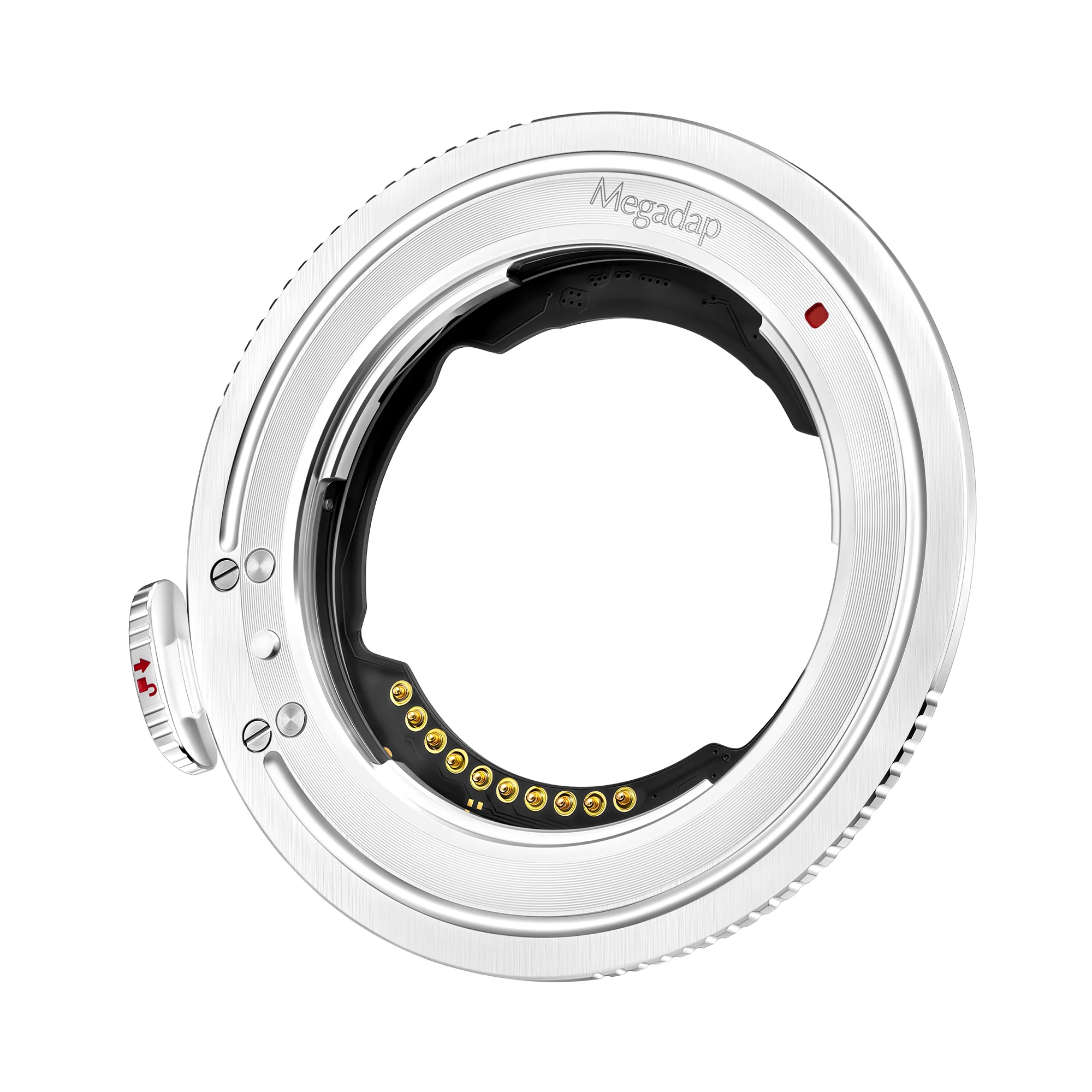
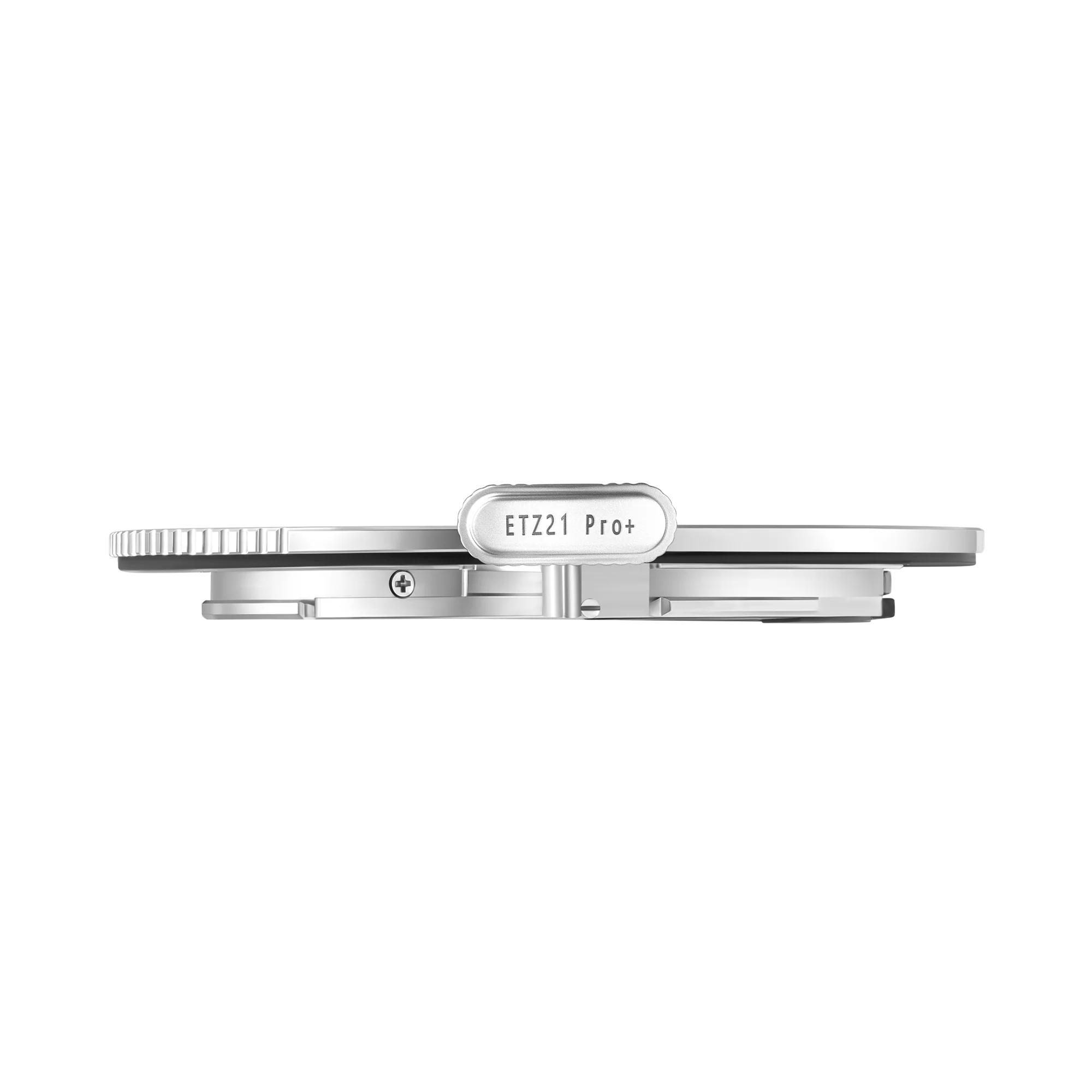

Megadap Sony E-Mount Lens to Nikon Z-Mount Camera Body Autofocus Adapter Pro+
Megadap Sony E-Mount Lens to Nikon Z-Mount Camera Body Autofocus Adapter Pro+
Megadap Sony E to Nikon Z Autofocus Adapter Pro+
The Sony E to Nikon Z Autofocus Adapter Pro+ (ETZ21Pro+) builds upon the success of the previous 2 generations. The new adapter and firmware has a big mechanical upgrade over the previous model.
Weather Sealed rubber ring design
Set You Free Dust-proof, Water-proof, Slip-proof Nothing Can Stop You from Getting Your Shots!
Adds manual lens focus confirmation prompt
Even if this is a manual lens with no electronic contacts Even if its a stack adapdation
Compatible with Sony LA-EA5 Adapter
Sony A Mount Lens on Nikon Z Camera with Autofocus? Made possible.
Patented Lens Release button
Quick and Easy Release Button Durable Stainless Steel Material
Electrical Contact
Improved Durability, Prolonged Electrical Contacts Life No more contact issues after long term usage
New Spring New Ring
Upgraded on Design and Materials, the New Spring Aims to Provide Improved Stability with Heavy Lens
Support Auto-Focus
Adapt Sony E Mount Lenses to Nikon Z Mirrorless Camera with Autofocus Function Retained
Auto Aperture Coupling
Able to Sync with Both Camera and Lenses Aperture Adjustment
Support Function Keys on the Sony Lens Body
Support All Function Keys including Customized Functions
Features:
- Sony E-Mount Lens to Nikon Z-Mount Body
- Supports Electronic Communication
- Enables Autofocus and Auto Exposure
- Transfers EXIF Metadata to Camera
- Stainless Steel Mounting Ring
- Firmware Upgradable
- Supports Custom Button on Sony Lenses
- Weather-Sealed Design
Compatible With:
Mirrorless Cameras:
- Nikon Z-Mount Cameras
Lenses:
- Sony E Mount Lenses
Lens Adapters:
- Sony LA-EA5 Adapter
Dimensions:
2mm Thickness
Materials:
Ultra Sealed PCB (Printed Circuit Board)
Firmware Update Instructions:
Update Adapter Ring Firmware:
- Download the latest ETZ21 Pro+ firmware from the Magadap website.
- Unzip the downloaded ZIP file on your computer to get the .bin format firmware.
- Use a memory card slot or card reader to copy the bin format firmware to the root directory of the memory card in the camera.
*Note: Be sure to copy the firmware to the root directory of the memory card (If the new firmware is placed in a folder under the root directory, the camera will not recognize it.) - Insert the memory card into the camera, install the adapter ring and lens together to the camera, and then turn on the camera.
- Select [Setup menu] > [Firmware version] and follow the on-screen instructions to perform the firmware update. When the screen prompts that the update is complete, turn the camera off.
- Turn on the camera and confirm that the firmware has been updated to the new version.
View adapter ring firmware:
- Install the adapter ring and E-mount electronic lens onto the camera and turn on the camera.
- Press the MENU button on the camera and select [Settings Menu] > [Firmware Version] to display the firmware version of the camera and lens.
(*Note: The lens version here is the adapter firmware version)
Manufacturer SKU:
ETZ21PRO+
In The Box:
Megadap Sony E-Mount Lens to Nikon Z-Mount Camera Body Autofocus Adapter Pro+
Note: We are currently doing a running change of the rear cap of Megadap ETZ21 Pro+ (From Black cap to transparent cap).
Product Information
Product Information
Shipping & Returns
Shipping & Returns
Description
Megadap Sony E to Nikon Z Autofocus Adapter Pro+
The Sony E to Nikon Z Autofocus Adapter Pro+ (ETZ21Pro+) builds upon the success of the previous 2 generations. The new adapter and firmware has a big mechanical upgrade over the previous model.
Weather Sealed rubber ring design
Set You Free Dust-proof, Water-proof, Slip-proof Nothing Can Stop You from Getting Your Shots!
Adds manual lens focus confirmation prompt
Even if this is a manual lens with no electronic contacts Even if its a stack adapdation
Compatible with Sony LA-EA5 Adapter
Sony A Mount Lens on Nikon Z Camera with Autofocus? Made possible.
Patented Lens Release button
Quick and Easy Release Button Durable Stainless Steel Material
Electrical Contact
Improved Durability, Prolonged Electrical Contacts Life No more contact issues after long term usage
New Spring New Ring
Upgraded on Design and Materials, the New Spring Aims to Provide Improved Stability with Heavy Lens
Support Auto-Focus
Adapt Sony E Mount Lenses to Nikon Z Mirrorless Camera with Autofocus Function Retained
Auto Aperture Coupling
Able to Sync with Both Camera and Lenses Aperture Adjustment
Support Function Keys on the Sony Lens Body
Support All Function Keys including Customized Functions
Features:
- Sony E-Mount Lens to Nikon Z-Mount Body
- Supports Electronic Communication
- Enables Autofocus and Auto Exposure
- Transfers EXIF Metadata to Camera
- Stainless Steel Mounting Ring
- Firmware Upgradable
- Supports Custom Button on Sony Lenses
- Weather-Sealed Design
Compatible With:
Mirrorless Cameras:
- Nikon Z-Mount Cameras
Lenses:
- Sony E Mount Lenses
Lens Adapters:
- Sony LA-EA5 Adapter
Dimensions:
2mm Thickness
Materials:
Ultra Sealed PCB (Printed Circuit Board)
Firmware Update Instructions:
Update Adapter Ring Firmware:
- Download the latest ETZ21 Pro+ firmware from the Magadap website.
- Unzip the downloaded ZIP file on your computer to get the .bin format firmware.
- Use a memory card slot or card reader to copy the bin format firmware to the root directory of the memory card in the camera.
*Note: Be sure to copy the firmware to the root directory of the memory card (If the new firmware is placed in a folder under the root directory, the camera will not recognize it.) - Insert the memory card into the camera, install the adapter ring and lens together to the camera, and then turn on the camera.
- Select [Setup menu] > [Firmware version] and follow the on-screen instructions to perform the firmware update. When the screen prompts that the update is complete, turn the camera off.
- Turn on the camera and confirm that the firmware has been updated to the new version.
View adapter ring firmware:
- Install the adapter ring and E-mount electronic lens onto the camera and turn on the camera.
- Press the MENU button on the camera and select [Settings Menu] > [Firmware Version] to display the firmware version of the camera and lens.
(*Note: The lens version here is the adapter firmware version)
Manufacturer SKU:
ETZ21PRO+
In The Box:
Megadap Sony E-Mount Lens to Nikon Z-Mount Camera Body Autofocus Adapter Pro+
Note: We are currently doing a running change of the rear cap of Megadap ETZ21 Pro+ (From Black cap to transparent cap).