The Photoshop Toolbox: Essential Techniques for Mastering Layer Masks, Brushes, and Blend Modes
Adobe Photoshop is one of the most powerful image-editing applications ever created, but it is also widely thought to be difficult to learn, infinite in scope, and nearly impossible to master. For these reasons, many photographers choose to stay exclusively with Lightroom for all their photography needs. But for those photographers who subscribe to the Adobe Creative Cloud Photography plan—which includes both Lightroom and Photoshop—to leave Photoshop unopened and unexplored is to deny yourself the ability to take your creativity and expression to a whole new level.
In The Photoshop Toolbox, photographer and bestselling author Glyn Dewis breaks down Photoshop into just three main features: layer masks, brushes, and blend modes. Glyn has taught thousands online, in person, and through his bestselling books The Photoshop Workbook and Photograph Like a Thief. Over and over, he has recognized that once a user truly understands these three tools, there is nothing holding them back from achieving whatever they want to accomplish in Photoshop. With Glyn explaining not only the “what” but also the “why” behind layer masks, brushes, and blend modes, you’re empowered to think beyond each specific example and to ask that all-powerful question, “What would happen if I used that technique on this other image?”
Written expressly for photographers with little knowledge of Photoshop, in The Photoshop Toolbox you’ll learn:
Photoshop basics:
- Explore Photoshop’s Workspace, Tool Bar, Options Bar, Properties, and Layers
Layer masks:
- Learn the basics of layer masks, as well as specific techniques that incorporate cutouts, removing halos, Content Aware Fill, Look Up Tables (LUTs), and more
Brushes:
- Brushes are useful for everything from cutouts to creating special effects like snow, debris, grass, and even your own signature
Blend modes:
- Use blend modes for tricky selections, brightening and darkening an image, and tidying up a layer mask
Additional tips, tricks, and techniques:
- Glyn devotes an entire chapter to “extra” techniques such as removing reddening skin, creating smoke, matching color, and building depth in your image with contrast, light, and sharpness
Finally, in the last chapter of the book, Glyn brings it all together with a start-to-finish project concentrating on photo retouching skills.
Specs:
Author: Glyn Dewis
Publish Date: October 31, 2018
Format: Soft Cover - With Flaps
Publisher: Rocky Nook
Language: English
Book Size: 8 x 0.5 x 10.25 inches
Pages: 280
ISBN: 9781681983950
In The Box:
The Photoshop Toolbox: Essential Techniques for Mastering Layer Masks, Brushes, and Blend Modes
Product Information
Product Information
Shipping & Returns
Shipping & Returns
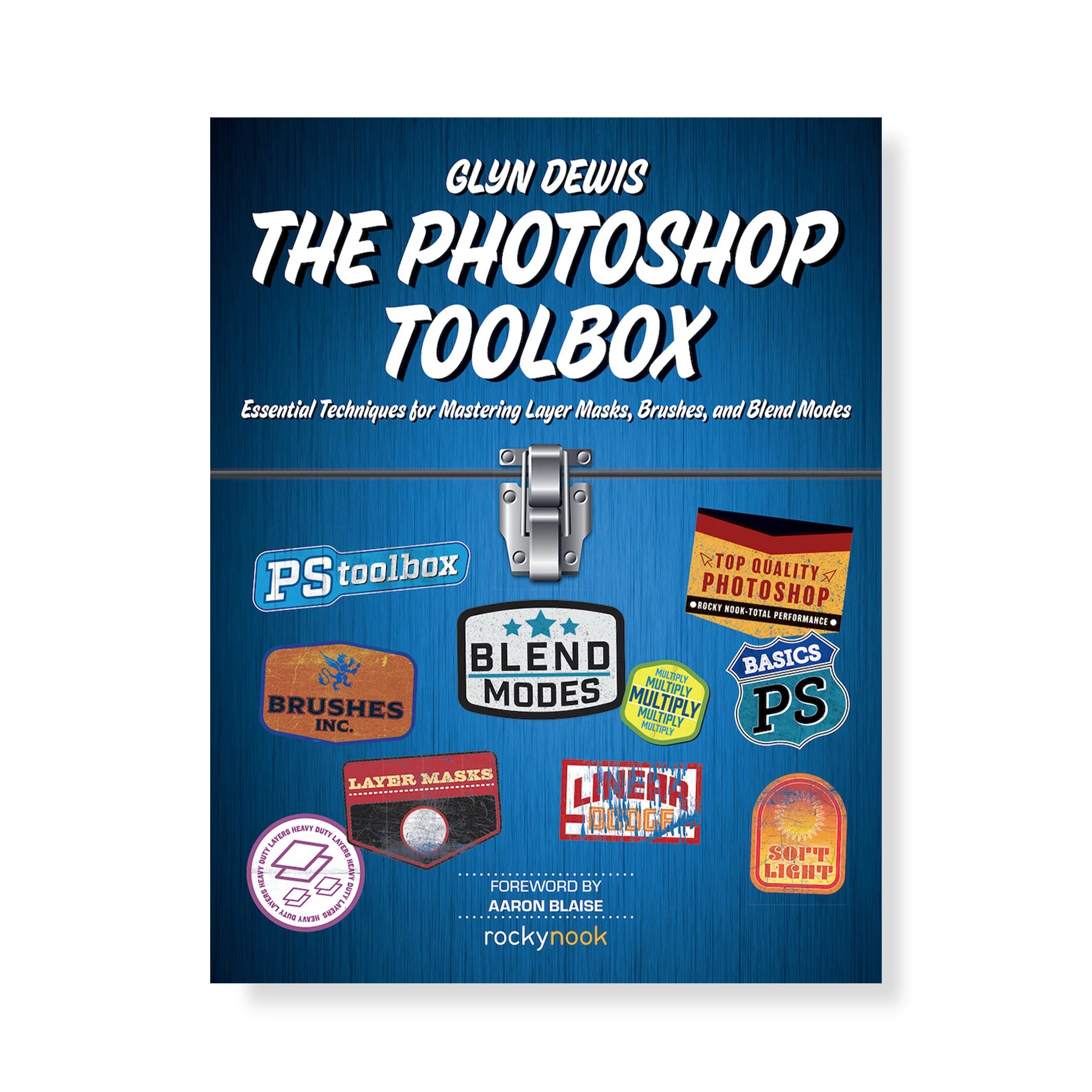
The Photoshop Toolbox: Essential Techniques for Mastering Layer Masks, Brushes, and Blend Modes
The Photoshop Toolbox: Essential Techniques for Mastering Layer Masks, Brushes, and Blend Modes
Adobe Photoshop is one of the most powerful image-editing applications ever created, but it is also widely thought to be difficult to learn, infinite in scope, and nearly impossible to master. For these reasons, many photographers choose to stay exclusively with Lightroom for all their photography needs. But for those photographers who subscribe to the Adobe Creative Cloud Photography plan—which includes both Lightroom and Photoshop—to leave Photoshop unopened and unexplored is to deny yourself the ability to take your creativity and expression to a whole new level.
In The Photoshop Toolbox, photographer and bestselling author Glyn Dewis breaks down Photoshop into just three main features: layer masks, brushes, and blend modes. Glyn has taught thousands online, in person, and through his bestselling books The Photoshop Workbook and Photograph Like a Thief. Over and over, he has recognized that once a user truly understands these three tools, there is nothing holding them back from achieving whatever they want to accomplish in Photoshop. With Glyn explaining not only the “what” but also the “why” behind layer masks, brushes, and blend modes, you’re empowered to think beyond each specific example and to ask that all-powerful question, “What would happen if I used that technique on this other image?”
Written expressly for photographers with little knowledge of Photoshop, in The Photoshop Toolbox you’ll learn:
Photoshop basics:
- Explore Photoshop’s Workspace, Tool Bar, Options Bar, Properties, and Layers
Layer masks:
- Learn the basics of layer masks, as well as specific techniques that incorporate cutouts, removing halos, Content Aware Fill, Look Up Tables (LUTs), and more
Brushes:
- Brushes are useful for everything from cutouts to creating special effects like snow, debris, grass, and even your own signature
Blend modes:
- Use blend modes for tricky selections, brightening and darkening an image, and tidying up a layer mask
Additional tips, tricks, and techniques:
- Glyn devotes an entire chapter to “extra” techniques such as removing reddening skin, creating smoke, matching color, and building depth in your image with contrast, light, and sharpness
Finally, in the last chapter of the book, Glyn brings it all together with a start-to-finish project concentrating on photo retouching skills.
Specs:
Author: Glyn Dewis
Publish Date: October 31, 2018
Format: Soft Cover - With Flaps
Publisher: Rocky Nook
Language: English
Book Size: 8 x 0.5 x 10.25 inches
Pages: 280
ISBN: 9781681983950
In The Box:
The Photoshop Toolbox: Essential Techniques for Mastering Layer Masks, Brushes, and Blend Modes
Product Information
Product Information
Shipping & Returns
Shipping & Returns
Description
Adobe Photoshop is one of the most powerful image-editing applications ever created, but it is also widely thought to be difficult to learn, infinite in scope, and nearly impossible to master. For these reasons, many photographers choose to stay exclusively with Lightroom for all their photography needs. But for those photographers who subscribe to the Adobe Creative Cloud Photography plan—which includes both Lightroom and Photoshop—to leave Photoshop unopened and unexplored is to deny yourself the ability to take your creativity and expression to a whole new level.
In The Photoshop Toolbox, photographer and bestselling author Glyn Dewis breaks down Photoshop into just three main features: layer masks, brushes, and blend modes. Glyn has taught thousands online, in person, and through his bestselling books The Photoshop Workbook and Photograph Like a Thief. Over and over, he has recognized that once a user truly understands these three tools, there is nothing holding them back from achieving whatever they want to accomplish in Photoshop. With Glyn explaining not only the “what” but also the “why” behind layer masks, brushes, and blend modes, you’re empowered to think beyond each specific example and to ask that all-powerful question, “What would happen if I used that technique on this other image?”
Written expressly for photographers with little knowledge of Photoshop, in The Photoshop Toolbox you’ll learn:
Photoshop basics:
- Explore Photoshop’s Workspace, Tool Bar, Options Bar, Properties, and Layers
Layer masks:
- Learn the basics of layer masks, as well as specific techniques that incorporate cutouts, removing halos, Content Aware Fill, Look Up Tables (LUTs), and more
Brushes:
- Brushes are useful for everything from cutouts to creating special effects like snow, debris, grass, and even your own signature
Blend modes:
- Use blend modes for tricky selections, brightening and darkening an image, and tidying up a layer mask
Additional tips, tricks, and techniques:
- Glyn devotes an entire chapter to “extra” techniques such as removing reddening skin, creating smoke, matching color, and building depth in your image with contrast, light, and sharpness
Finally, in the last chapter of the book, Glyn brings it all together with a start-to-finish project concentrating on photo retouching skills.
Specs:
Author: Glyn Dewis
Publish Date: October 31, 2018
Format: Soft Cover - With Flaps
Publisher: Rocky Nook
Language: English
Book Size: 8 x 0.5 x 10.25 inches
Pages: 280
ISBN: 9781681983950
In The Box:
The Photoshop Toolbox: Essential Techniques for Mastering Layer Masks, Brushes, and Blend Modes